
What to film on a job site.
Come away with footage that explains the work and gives each edit a purpose.
Wide enough to understand.
Close enough to care.
01The place & the project
02People doing the real work
03The detail a customer would miss
04An explanation in their own words
A camera can record a full day and still miss what the customer needs to understand. Before filming, name the question the video will answer. What happens during this stage? Why was this detail important? What should someone know before asking for a similar project?
Build the shot list around those questions and the site’s actual progress. The result is easier to edit because each piece has a job, from the opening view to the final invitation to talk.
Build a shot list with a story.
Choose the coverage your next shoot needs. Each type gives the edit a different job to do.
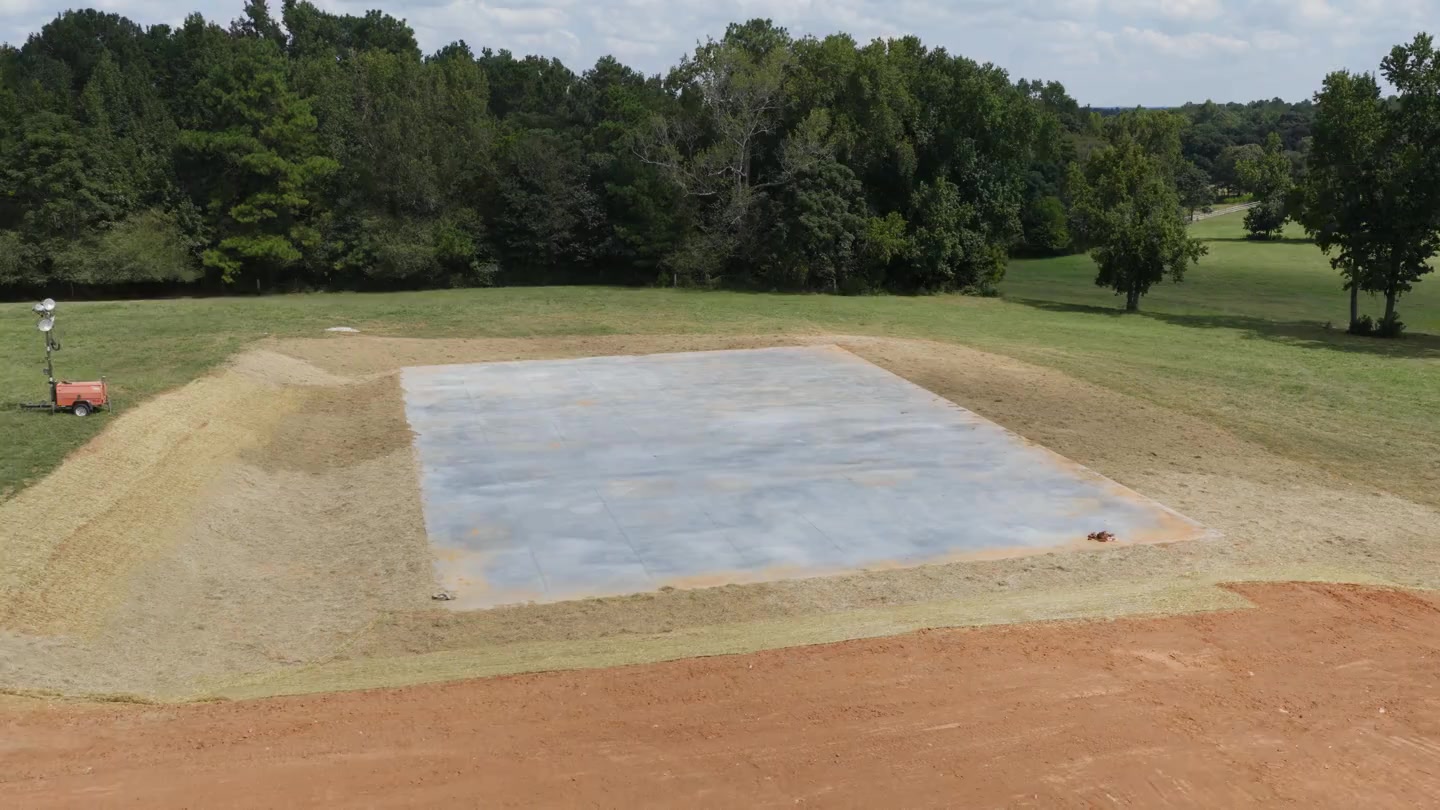
Confirm access and site safety with the team before filming. Capture distinct coverage and keep the work accurately represented.
Plan the visit with the person running the work.
Confirm which areas and people can be filmed, what is happening that day and who can explain it. Get the necessary permission to use the property and identifiable people in marketing. Keep customer paperwork and private details out of the frame.
Choose a short list of priorities rather than expecting the crew to recreate the whole project. Coordinate access with the site lead so filming fits the operation. If a key stage will happen on another day, plan that capture separately.
Capture context, action and detail.
Start with a stable wide view that makes the location understandable. Capture a medium view of the work, then a close detail that supports the explanation. Let each shot run cleanly for a few seconds so the editor has room to make a useful cut.
Plan vertical and horizontal framing when both ads and website placements are needed. A landscape shot cropped into a tall frame can lose the person or the important detail. Capture an alternative while the scene is available.
- The condition or stage before work begins.
- One clear action, framed without distraction.
- A detail connected to the story.
- A finished or current-stage view labeled accurately.
Ask for explanations people can actually use.
Ask the team member to finish three thoughts: “The customer needed…”, “At this stage we are…” and “Someone planning this kind of project should know…”. Short, specific answers are easier to shape than a memorized sales speech. Record in a quieter place when possible and check that the voice is audible.
Describe the work your company actually performed. Keep proposed designs, stock material and generated illustrations labeled appropriately. A real project explanation does not need an invented result to be worth watching.
Give the editor a story, not just a folder.
Group footage by project and date. Include the correct business name, service, project stage, approved uses and the intended next action. Mark the strongest spoken answers and any footage that should stay internal. Keep an original copy alongside the working files.
One visit may provide an ad, a progress post and a short explanation, depending on the material captured. Propel Media plans that relationship before the shoot. Explore the E&C work to see an edited ad alongside real project footage, then consider which questions your own next shoot could answer.
Put the details into practice.
Do we need drone footage?
No. It can explain a site’s scale, but clear ground-level footage and an audible explanation may be more useful for the question you are answering.
Can an unfinished job produce useful content?
Yes. Explain the stage and show what is happening. Do not label progress footage as a completed project.
Can one shoot support a month of posts?
It can, depending on access, variety and the agreed scope. We plan the topics and required footage before promising a specific set of edits.